How to Duplicate in Figma?
S
Founder & CEO @uikit.to
Hey, you! Want to know how to duplicate in Figma? It’s actually really easy. Just select the object or objects you want to duplicate and use the keyboard shortcut Command-D (Mac) or Control-D (Windows).
Voilà! Your objects are now duplicated. You can also duplicate objects by going to Edit > Duplicate or right-clicking and selecting Duplicate. Happy duplicating!
Know More -
How to duplicate a frame in Figma?
How to duplicate a layer?
How to duplicate a component in Figma?
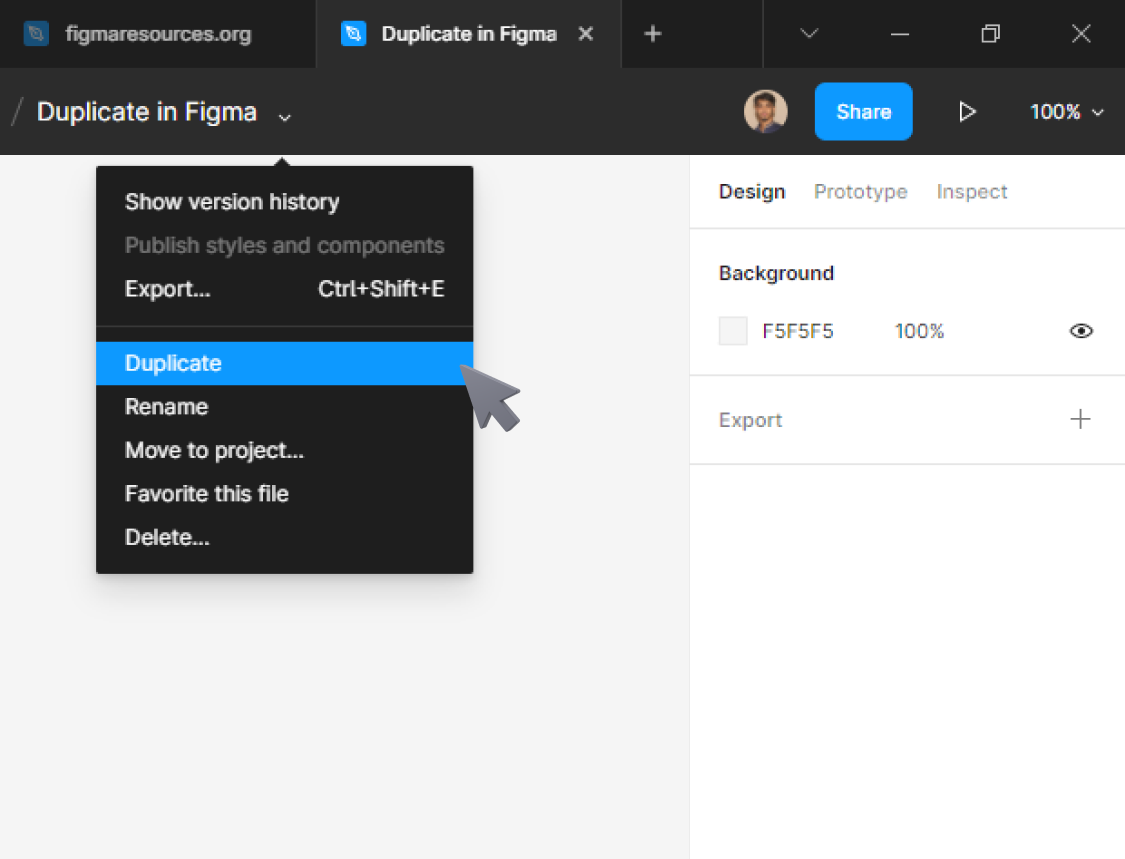
How to duplicate a file in Figma?
From Figma Resources


